What devices connect to my network? | Broadband tips – Virgin Media
What can I connect to my network?
From computers to laptops, games consoles to printers, smart phones to stereo systems – you’ll be surprised at how many devices you can connect to your home network.

Computers
Put your Hub right by the computer so you can use a speedy wired connection. Great for gaming or streaming music and video.
How to connect
Mac
Windows 7
Windows Vista
Windows XP
Laptops
Want the freedom to check your emails in the garden. Or watch a movie in the bedroom? Then ditch the wires and use your wi-fi.
How to connect
Mac
Windows 7
Windows Vista
Windows XP
Games consoles
Want the edge on the competition? Stay speedy and stay connected by using a wired connection wherever possible.
How to connect
Playstation 3
Wii or Nintendo DS
Xbox 360
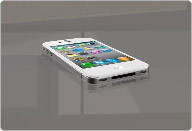
Smartphones
Dump your mobile internet and use your Virgin Broadband. You’ll get quicker speeds and won’t use up your mobile’s download limits.
How to connect
iPhone
BlackBerry
Android
Windows
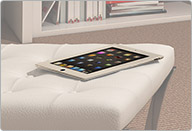
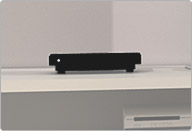
Media streamer
Most streamers support wi-fi so you can stream to a TV in another room. But if you watch HD movies, you might want to use a wired connection for an uninterrupted, high-quality picture.
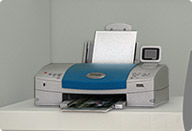
Printers
If your printer supports wi-fi you can print from your laptop, tablet or other portable device from another room. Cool, huh?
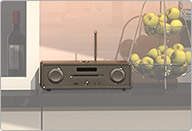
Internet radio
Internet radios usually work over your wi-fi connection, which means you can place it in any room of your house, as long as it’s in range of your Hub or Super Hub.
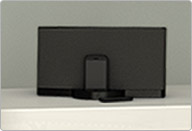
Music systems
Grab a wi-fi enabled music system and you can stream music straight from your computer to your system (or systems) without wires.

TV
Many ‘smart TVs’ let you stream movies or access apps over the web, although they usually only support wi-fi and not an Ethernet connection.
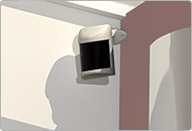
Home security camera
Wireless home security cameras use your wi-fi so you can put them wherever you want to keep an eye on – like the entrance to your home, for example.